
Beyond Lightroom Presets: Edit Photos with Archipelago Toolsets
Image by Aleksandra Kielczewska
Edited with Eternal Presets, Light Effects Toolset, Atmospheric Toolset
Lightroom presets may be the foundation of your editing workflow, but true creative freedom starts when you go beyond them. Archipelago’s toolsets are designed to push the boundaries of what’s possible within Lightroom, offering you precision, depth, and atmosphere that work together with your base edits to truly create magic in post-production. Sculpt light, enhance portraits, add filmic or cinematic borders, or add ethereal lens flares, all without leaving Adobe Lightroom. These tools enable photographers to fine-tune every detail of their creative vision.
Let’s explore how the Atmospheric, Portrait, Borders, and Light Effects Toolsets can transform your workflow, expand your creative control, and bring an editorial polish to your edits.
Why go beyond presets?
Most of the preset collections offered by Archipelago Presets and Archipelago Quest include some tools or even a dedicated toolset, which is the case for recent preset launches like our Core Presets, like Light & Truth, and Foundation Presets, like Eternal. However, even more creative effects can be found in the toolsets, taking your edits from basic to breathtaking.
Look at the image below: on its own, edited using Eternal Presets and its included tools, it’s a stunning picture. Elevate that scene from ordinary to otherworldly beautiful by adding some tools that shape the light and atmosphere!
Edit Recipe:
Eternal 06 with the profile turned up to 126
From Eternal: Dynamics 2, Curve - Creamy Whites, Color Rendition 4, Scene - Contour, Green Shift Vivid
From Light Effects Toolset: Solis, Sun Burst H, Sun Spot H, Lens Flare 1 H
From Atmospheric Toolset: Soften - Dreamy (-Subject), Soften - Bloom
Image by Aleksandra Kielczewska
Edited with Eternal Presets and no toolset effects
Image by Aleksandra Kielczewska
Edited with Eternal Presets, plus tools from Light Effects Toolset and Atmospheric Toolset
Tip: Fine-tune your control over presets and tools by using the Preset Amount Slider to control opacity and move Mask effects around in the Masking Panel.
Add Mood and Dimension with the Atmospheric Toolset
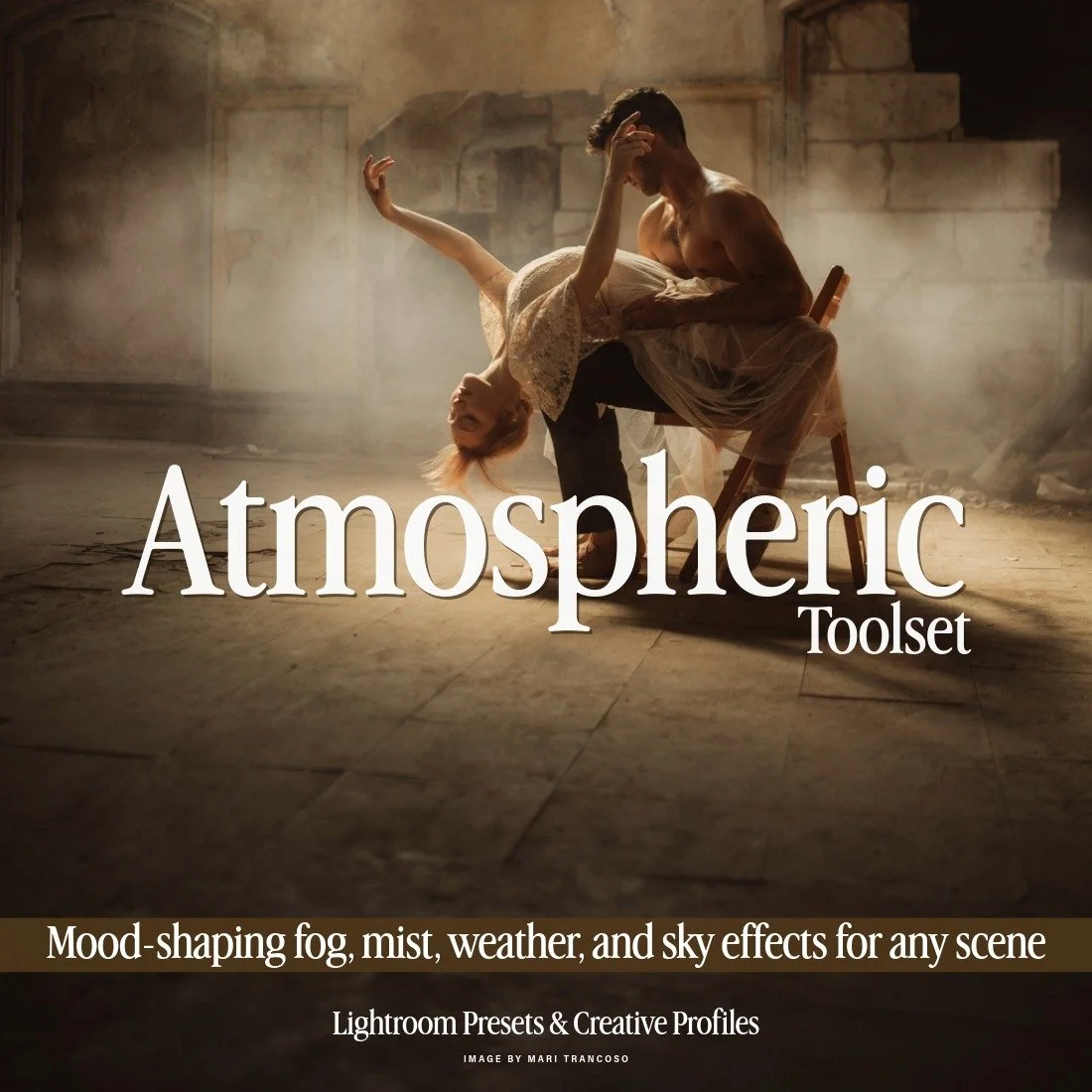
This set presents a comprehensive collection of atmospheric tools for Adobe Lightroom, thoughtfully curated from previous Quest releases and now united within a single, versatile toolkit. Featuring 32 Lightroom tools organized into five distinct categories — Soften, Weather, Sky, Overlay, and Lighting — this collection provides everything you need to craft mood, depth, and drama within your images. Alongside familiar favorites, the set introduces the brand-new Rainfall tool, expanding creative possibilities for shaping atmosphere and emotion across any scene.
(( SEE THE PRESETS IN ACTION - BEFORE/AFTERS, REVIEWS, AND FULL DETAILS HERE! ))
$120 REGULAR
$60 MEMBER
The Atmospheric Toolset is a comprehensive collection of tools for Adobe Lightroom, thoughtfully curated featuring 32 Lightroom tools organized into five distinct categories: Soften, Weather, Sky, Overlay, and Lighting. This collection provides everything you need to craft mood, depth, and drama within your images. Add weather effects like Fog, Low Mist, Snowfall, or Rainfall. Create dreamlike images with Glimmers and Fireflies, and even add extra glow to candles and lanterns using Naked Flame. The Atmospheric Toolset expands creative possibilities for shaping atmosphere and emotion across any scene.
Use cases for the Atmospheric Toolset:
Take a moody scene and make it mysterious with Fog or Low Mist.
Add Background Glow to make a subject stand out against a dark backdrop or background.
Add Snowfall to a wintery photoshoot, or make the sky Dark & Moody and add Rainfall to a cloudy or overcast day.
Enhance the glow of candles or lanterns with Naked Flame (small and large versions)
Create a sunset with Sunset Enhancer and Sun (horizontal and vertical versions), or give your image a blue hour evening effect with Polar Twilight.
Image by Aleksandra Kielczewska
Edited with Chroma Presets and no toolset effects
Image by Aleksandra Kielczewska
Edited with Chroma Presets plus tools from Atmospheric Toolset
Subtle Enhancements for Natural, Polished Portraits with the Portrait Toolset
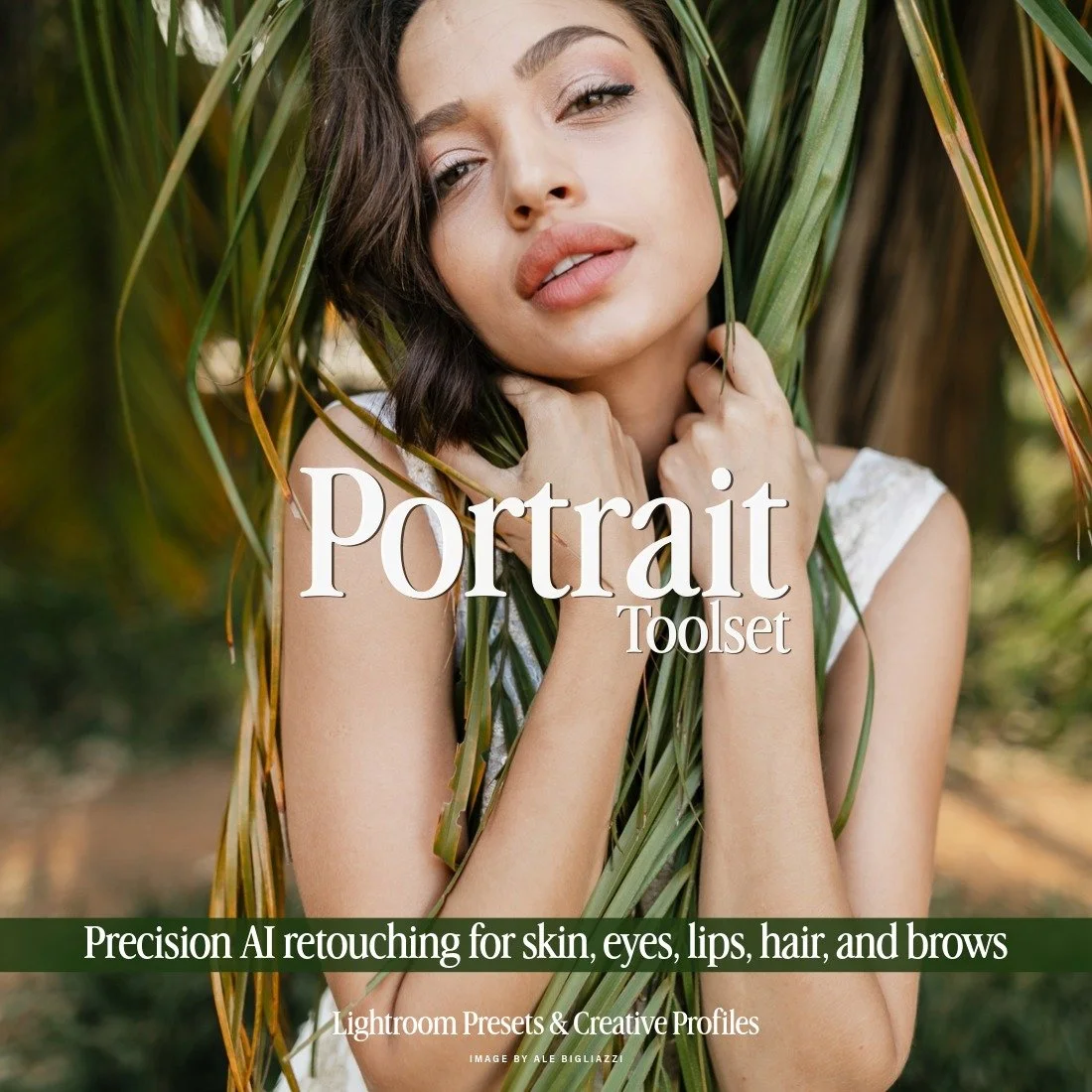
This toolset brings you an expansive collection of 30 AI presets all dedicated to manipulating individual elements of your subjects body & face. Each of these tools gives you a specific utility, from airbrushing skin to adding color and detail to your models eyes and lips, all using the power of AI to streamline the process. After applying a preset, be sure to use the preset amount slider for further modification to give you perfectly tailored results on every image. Achieving professionally retouched portraiture has never been easier.
(( SEE THE PRESETS IN ACTION - BEFORE/AFTERS, REVIEWS, AND FULL DETAILS HERE! ))
$80 REGULAR
$48 MEMBER
The Portrait Toolset is an expansive collection of 30 Lightroom presets dedicated to manipulating individual elements of your subject’s body and face. Each of these tools gives you a specific utility, from airbrushing skin to adding color and detail to your model’s eyes and lips, all using the power of Adobe’s Person Aware Masks to streamline the process. Achieving professionally retouched portraiture has never been easier or faster.
Use cases for the Portrait Toolset:
Replace Frequency Separation in most skin retouching circumstances.
Automatically selects features for enhancements without having to go in and apply masks one by one for eyes, lips, hair, etc.
Teeth whitening in one click!
Use the preset amount slider in Lightroom to dial in the strength of the effects— lower for more subtle edits, higher for more extreme.
Image by Shannon Sewell
Edited with Light & Truth and no toolset effects
Image by Shannon Sewell
Edited with Light & Truth and tools from Portrait Toolset
Image by Sarah Adler from By Mother And Wild
Edited with Veritas with tools from the Portrait Toolset
Frame Your Story with the Borders Toolset
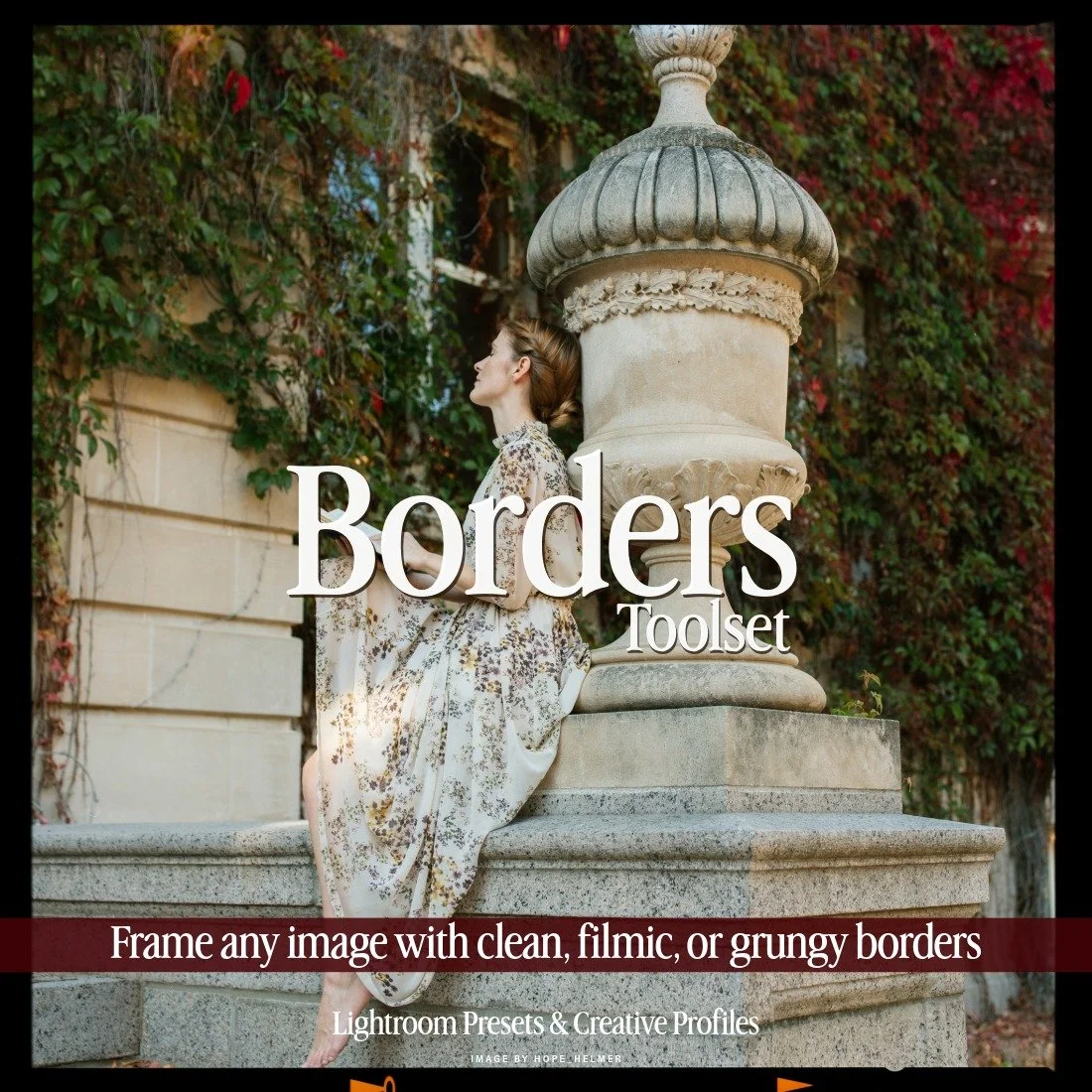
This set provides a thoughtfully curated collection of border presets, carefully selected from previous releases across various Archipelago and Quest sets. Featuring 23 borders encompassing three distinct styles—clean, filmic, and grungy—this toolset delivers a versatile range of options to suit any aesthetic.
(( SEE THE PRESETS IN ACTION - BEFORE/AFTERS, REVIEWS, AND FULL DETAILS HERE! ))
$80 REGULAR
$40 MEMBER
The Borders Toolset is a thoughtfully curated collection of digital border presets, featuring 23 borders encompassing three distinct styles: Clean, Filmic, and Grungy. This toolset offers a versatile range of options to complement any artistic vision, creating a finishing touch or filmic look with borders entirely applied in Lighroom.
Use cases for the Borders Toolset:
Take your film emulation edits to the next level with borders that mimic 35mm sprocket holes, 4x5 large format borders, and wet plate collodion effects, and more.
Give digital images a simple, editorial, clean border to make them stand out against your website background.
Add a creative flair with retro modern borders in arch shapes or ovals, or grungy creative borders like a torn paper edge.
Image by Anna Gadalean
Edited with Marigold, with Filmic 35mm Border from Borders Toolset
Image by Anna Jung-Hwa
Edited with Light & Ochre, with Grungy Collodion Border from Borders Toolset
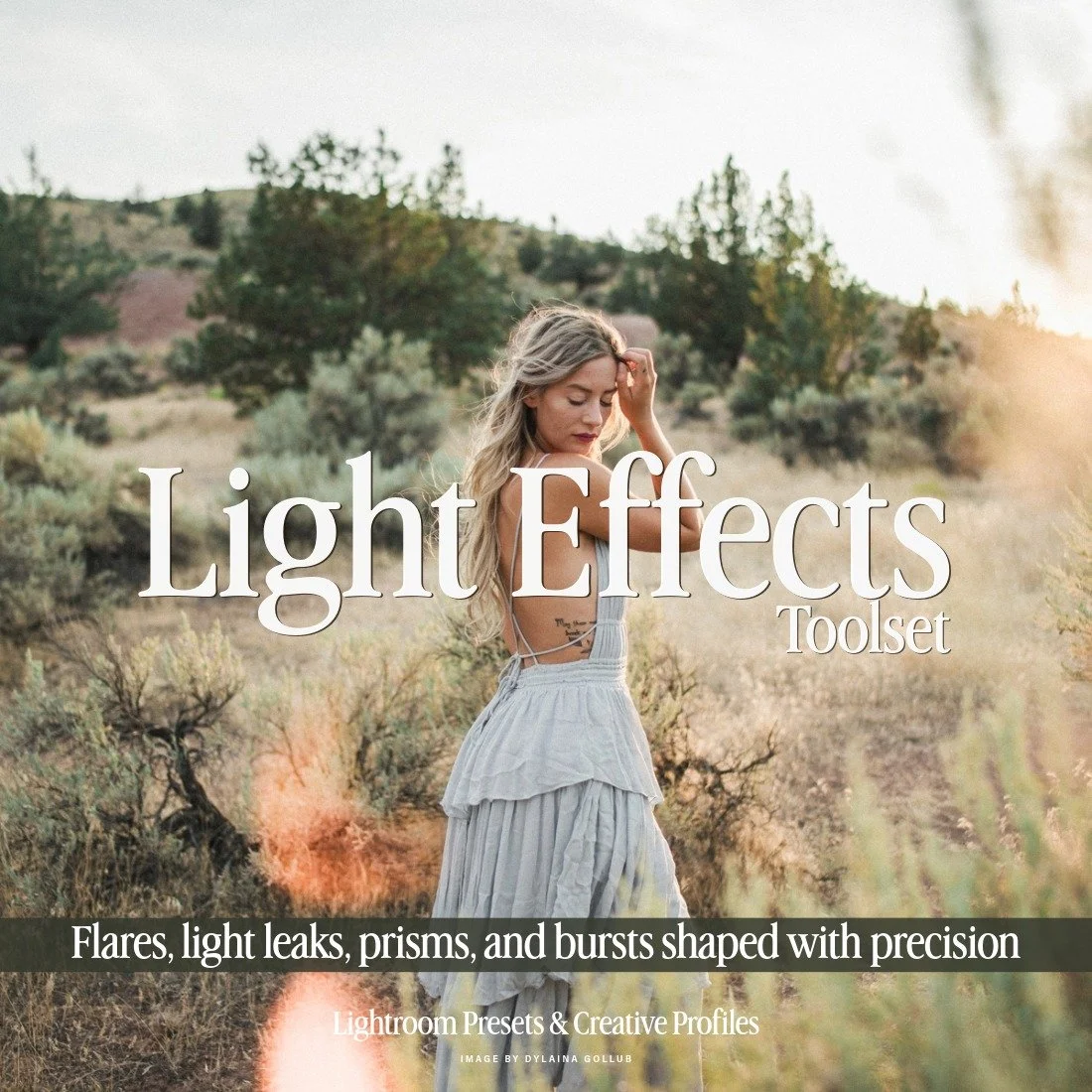
Create stunning visuals with the Light Effects Toolset, featuring a curated selection of more than 20 of our best lighting effects from various Archipelago and Quest preset collections. Utilizing the power of Lightroom masking, these tools replicate a wide range of lighting effects, including flares, light leaks, prisms, and more. Apply with one click, then reposition and adjust the intensity within the masking panel. (LEARN MORE HERE!)
$80 REGULAR
$48 MEMBER
Illuminate Your Images with Light Effects Toolset
The Light Effects Toolset gives you Lightroom tools to add cinematic light and energy to any edit. Create stunning visuals with more than 20 of our best lighting effects, including lens flares, light leaks, and glowy sunbursts and light rays. Utilizing the power of Lightroom’s masking panel, these tools replicate a wide range of lighting effects. Applied with one click, the effects can be repositioned and the intensity adjusted within the masking panel.
Use cases for the Light Effects Toolset:
Add or enhance sunlight using the Sun Spots and Sun Bursts along with Flares and Rays.
Give your filmic edits more of a Lomography look with Light Leaks.
Use the Prism effect to mimic crystal photo prisms.
Totally transform the light in your images with Solis, which adds warmth and sculpts light with vignettes and gradients.
Add cinematic Anamorphic Flares to light sources for the JJ Abrams vibe.
Image by Flora Gibson
Edited with Light & Ember, with tools from Light Effects Toolset
Your Creative Journey Doesn’t End with Presets. It Begins There.
Presets are just the starting point, the foundation on which creativity takes shape. With Archipelago Toolsets, you gain the ability to refine, enhance, and transform your images in ways that feel intentional and uniquely yours. Whether you’re editing with Archipelago Presets, Archipelago Quest, or your own custom creations, each toolset is designed to be completely versatile, able to layer seamlessly over any preset. Add atmosphere, make art out of light, or give your portraits that final polished touch; these tools invite you to experiment and evolve your craft.
From adding depth and light with the Atmospheric Toolset to refining portraits or framing your images with Borders and Light Effects, these tools expand what’s possible within Lightroom. Your workflow doesn’t stop at color grading; it’s an ever-growing process of discovery and artistry. With the right tools in your hands, every edit becomes more than just a photograph: it becomes a story, told exactly the way you envision it.
Image by Winsome Photos
Edited with Light & Ochre, with tools from Light Effects Toolset
Frequently Asked Questions About Archipelago Toolsets
-
Archipelago Toolsets are creative tools for Adobe Lightroom and Adobe Camera Raw that go beyond standard presets. Instead of applying a full color grade, they add targeted effects—like atmosphere, portrait retouching, borders, and light effects—so you can refine and sculpt your edits with more control.
-
Traditional presets apply a global look to your image by changing overall color and tone. Toolsets, however, are built around specific tasks and effects. They use masks and local adjustments to add fog, glow, light rays, retouching, borders, and more—without overriding your base preset or color grade.
-
Yes. Archipelago Toolsets work beautifully with Archipelago Presets, Archipelago Quest collections, and your own custom presets. You can apply your favorite preset first, then layer toolsets on top to add atmosphere, refine portraits, or enhance light.
-
The Atmospheric Toolset lets you add mood, depth, and drama to your images. You can apply effects like Fog, Low Mist, Snowfall, Rainfall, Background Glow, Sunlight Enhancers, and glowy overlays like Glimmers or Fireflies. It’s perfect for transforming ordinary scenes into cinematic, storytelling images.
-
The Portrait Toolset is designed specifically for retouching and enhancing people. It uses Adobe’s Person Aware Masks to automatically target skin, eyes, lips, hair, and more. You can smooth skin, brighten eyes, enhance lips, whiten teeth, and refine details—often replacing more complex techniques like frequency separation in many situations.
-
The Borders Toolset adds digital frames and borders directly inside Lightroom. You can choose from clean, editorial borders, film-inspired frames like 35mm sprocket holes or 4x5 edges, and grungy or torn-paper effects. These borders are great for filmic edits, blog layouts, portfolio images, and social media posts.
-
The Light Effects Toolset lets you add light leaks, lens flares, sunbursts, rays, and other cinematic lighting effects. You can enhance or “fake” sunlight, create Lomography-inspired looks, mimic prism effects, or transform the overall direction and warmth of the light in your image for a more dramatic feel.
-
Yes. Each tool is applied with a single click, and you can fine-tune strength using the Preset Amount Slider in Lightroom. Because they’re built on masks, you can easily move, resize, or adjust each effect in the Masking Panel—even if you’re newer to Lightroom.
-
Archipelago Toolsets are designed for Adobe Lightroom Classic, Lightroom (Cloud), and Adobe Camera Raw in Photoshop. This makes it easy to keep a consistent editing workflow across different Adobe platforms.
-
In many cases, yes. While some advanced workflows may still use external tools, Archipelago Toolsets are built to keep you inside Lightroom and ACR as much as possible, streamlining your edits while still giving you professional-level control.