
Best Lightroom Presets for Fuji Photographers in 2026
Fuji photographers understand better than most that a well-exposed RAW file is just the starting point. The real magic happens in post-processing, where the right editing workflow can transform a good photograph into a great one. Fujifilm cameras have their unique Film Simulations features, but those only work on JPEGs in-camera. For RAW files, Lightroom presets are a powerful way to speed up that process while keeping a consistent, professional look across your entire body of work. The hard part is cutting through the overwhelming number of preset packs out there to find options that truly work with Fujifilm's renowned color science and the distinct qualities of Fuji .RAF files.
So let's break down the best Lightroom presets for Fuji photographers in 2026, whether you're after a flexible all-rounder, beautifully rendered skin tones, cinematic contrast, or the kind of film emulation look that Fujifilm has built its reputation on.
Image by Seán Bell
Edited with Eternal Presets
Gear: Fuji X-Pro 2, XF 16-55mm
Image by Taylor Willoughby Photo
Edited with Afterglow Presets
Gear: Fuji X-T2, XF 23mm 1.4
What Makes Fuji Cameras and RAW Files Unique?
Fujifilm has decades of experience as a film manufacturer, and they've poured that heritage directly into their cameras. Unlike most camera brands that prioritize clinical accuracy or neutral color profiles, Fujifilm cameras are tuned to produce images with character straight out of camera. Many photographers find that Fuji JPEGs require little to no editing, which is rare in the digital camera world.
Other standout qualities include their retro-inspired physical controls (dedicated dials for ISO, shutter speed, and exposure compensation), their compact and lightweight bodies, excellent lenses through the XF lineup, and a loyal, passionate community.
Fujifilm Film Simulations
These are Fujifilm's in-camera color profiles, each modeled after a classic film stock. Here are the main ones:
Provia/Standard - Balanced and natural, good for everyday use
Velvia - Vivid, saturated colors with strong contrast, popular for landscapes
Astia/Soft - Softer contrast with flattering tones, great for portraits
Classic Chrome - Muted, faded tones with a documentary feel
Classic Neg - Vintage negative look with punchy contrast, a street photography favorite
Eterna/Cinema - Flat and low-contrast, ideal for video or heavy editing
Eterna Bleach Bypass - Gritty and desaturated with a silver-retention look
Nostalgic Neg - Warm, faded tones with a 1970s American photography feel
Reala Ace - Natural and accurate, with fine detail rendering
Acros - A refined black and white simulation with smooth tones and subtle grain
Monochrome - Straightforward black and white with color filter options
Sepia - Warm-toned monochrome
They apply to JPEGs in-camera but are also embedded in RAW files, which is why Fuji RAWs can look quite different from other brands when opened in Lightroom.
Best All-in-One Lightroom Presets for Fuji
Image by David Scammell
Edited with Eternal Presets
Gear: Fuji X-Pro 2, XF 23mm
Eternal Presets
If you're a Fuji wedding photographer searching for a Lightroom preset collection that genuinely delivers, Eternal Presets is worth your attention. Part of Archipelago's Foundation series, this collection was built with wedding photographers in mind, though it translates beautifully across just about any genre. Eternal includes 6 color base presets and 2 black and white base presets, paired with a buildable set of tools that let you fine-tune every edit to your exact taste. Whether you're drawn to timeless, editorial results or something with a more stylized edge, Eternal Presets works in harmony with Fujifilm's distinctive color science and the unique characteristics of RAF files to help you get there.
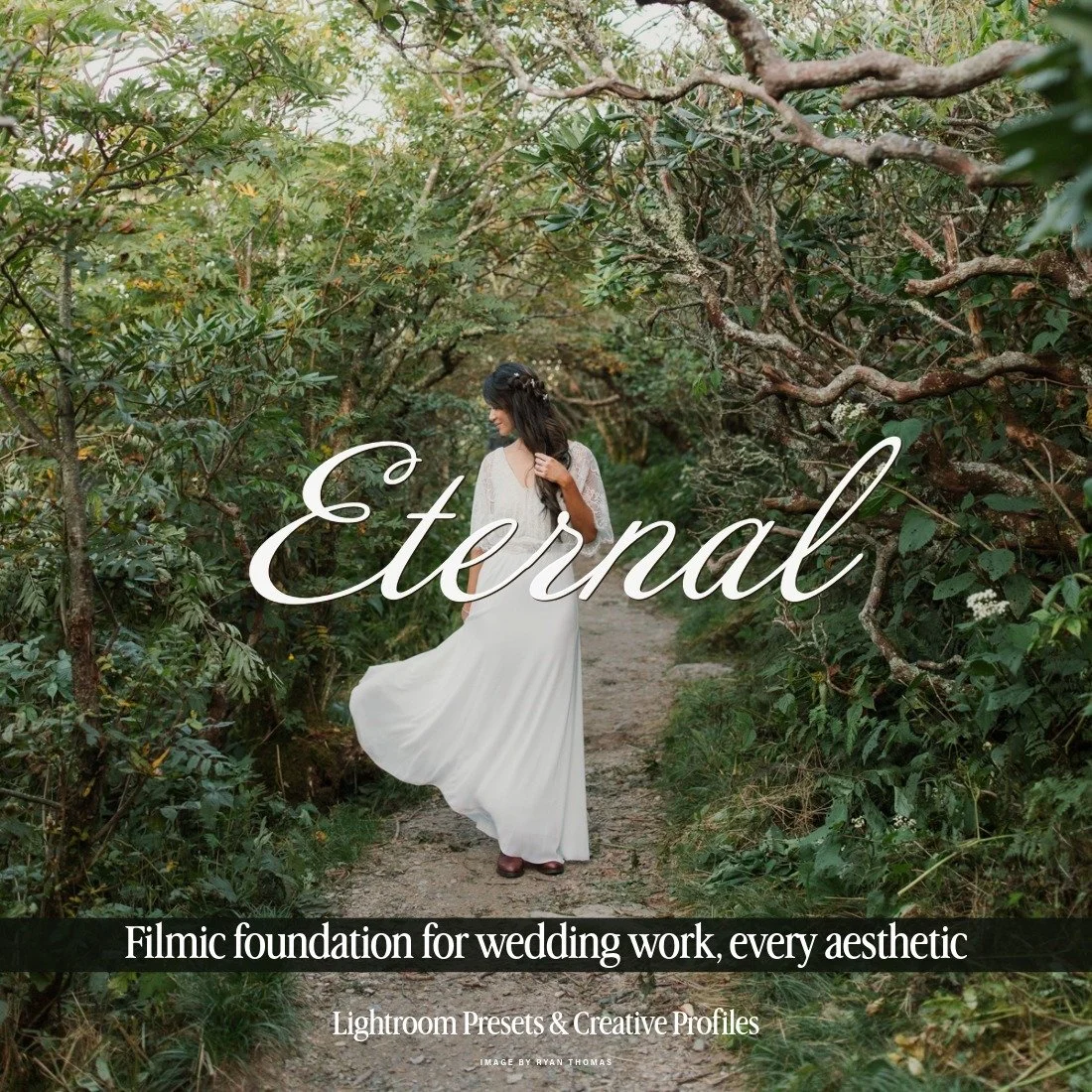
Eternal is an expansive wedding workflow crafted to give photographers unparalleled creative freedom, allowing every edit to become a personal work of art. Designed as a flexible foundation, the set lets you start with a thoughtfully curated base color grade, then fully customize both color and dynamics to bring your vision to life. Every frame can be shaped to match your style, whether you lean cinematic, romantic, film-inspired, or modern.
With over 50 specialized tools covering every situation a wedding photographer might encounter—from golden-hour outdoor light to intimate indoor moments—this set gives you the ability to craft your perfect edit. Each tool has been carefully designed to enrich depth, refine tones, and subtly sculpt mood, providing both consistency and creative versatility. Whether creating a timeless, soft-hued gallery or a bold, emotive story, this collection empowers you to edit with confidence, precision, and artistry.
(DESKTOP VERSION ONLY)
(( SEE THE PRESETS IN ACTION - BEFORE/AFTERS, REVIEWS, AND FULL DETAILS HERE! ))
$198 REGULAR
$148 MEMBER
Image by Berlin Boudoir
Edited with Kin Presets
Gear: Fuji X-T2, XF 35mm 1.4 R
Kin Presets
Kin Presets are made for family, couples, and portrait photography and pair beautifully with Lightroom editing. Included in Archipelago's Foundation series, this collection features 6 color base presets and 2 black-and-white base presets, along with a modular, customizable system built to let you construct your edit from the ground up. Purpose-built tools designed around the unique demands of family and portrait sessions make Kin Presets the go-to, all-encompassing collection for Fujifilm photographers.
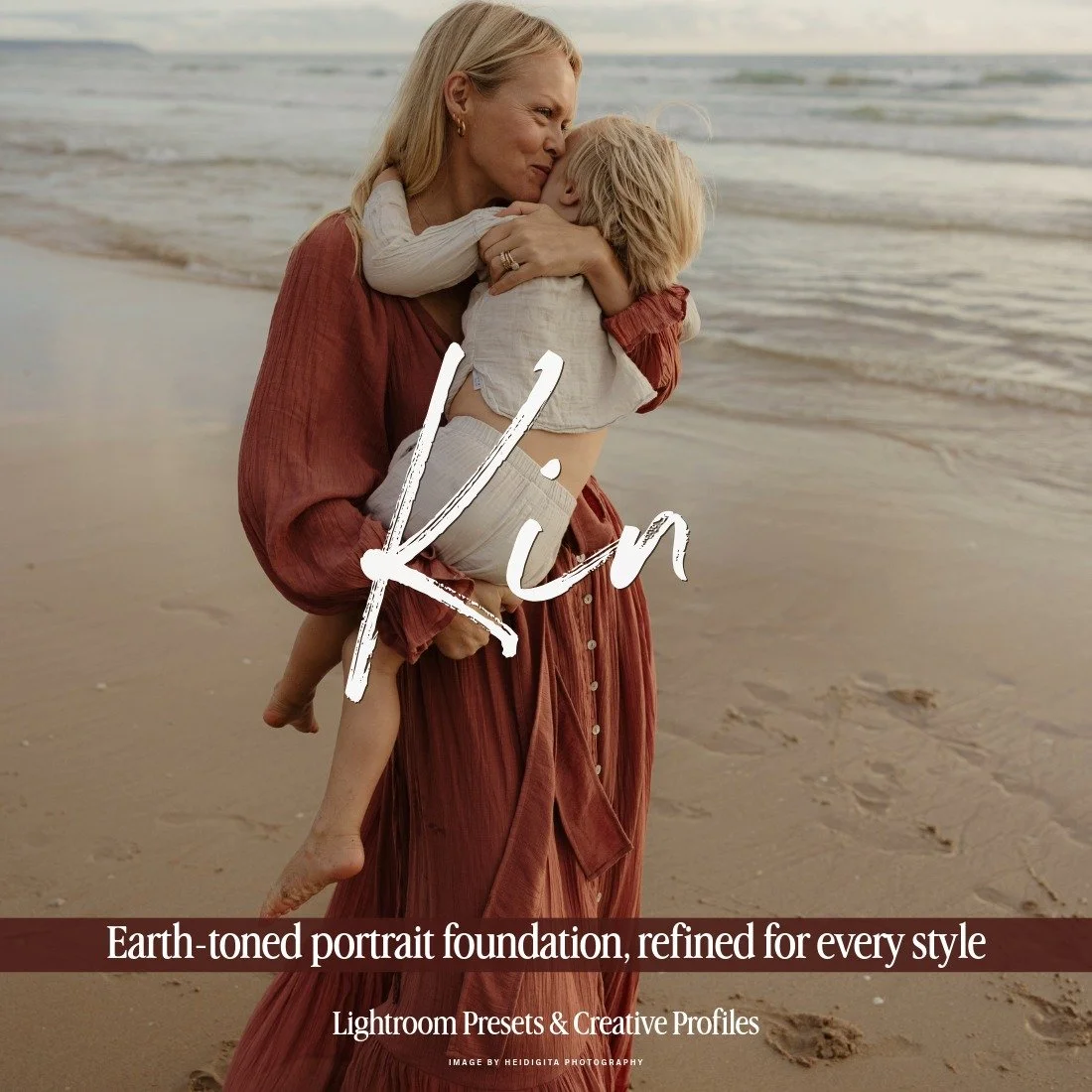
Kin is an expansive portrait workflow crafted to give photographers unparalleled creative freedom, every edit becomes a personal work of art. The set lets you begin with a thoughtfully curated base color grade, then fully customize colour and dynamics to shape your vision. A warm, earthen palette runs through the collection, carrying a quiet cinematic weight suited to natural light. It can be pulled cleanly back toward true to color whenever the scene calls for a softer finish.
Kin features over 60 specialized tools cover every situation a family portrait photographer is likely to meet, from open outdoor light to intimate indoor interiors, giving you the precision to craft a cohesive, considered edit from frame one. Each tool has been carefully shaped to enrich depth, refine tones, and subtly sculpt mood, delivering both consistency and creative range. Whether you’re building a soft, sunlit gallery or a richer, more cinematic story, KIN empowers you to edit with confidence, precision, and artistry. (DESKTOP VERSION ONLY)
(( SEE THE PRESETS IN ACTION - BEFORE/AFTERS, REVIEWS, AND FULL DETAILS HERE! ))
$198 REGULAR
$148 MEMBER
Best True Color Photo Presets for Fuji
Light & Truth Presets
Light & Truth is Archipelago's go-to collection for photographers who prioritize true-to-life color above all else. Designed with both accuracy and refinement in mind, it brings luminous whites and reliable skin tone rendering to your photographs without stripping away the natural colors your scene actually contained. It's a strong fit for any genre where authentic color matters, but where you still want a polished, professional result. Light & Truth pairs particularly well with Fujifilm's renowned color science, working with the natural tonal qualities embedded in RAF files rather than overwriting them.
Light & Truth includes 5 color presets and 1 black and white preset, along with a dedicated toolset to fine-tune your edit.
Image by Hansel Ferrón
Edited with Light & Truth Presets
Gear: Fuji X-T2, XF 35mm 1.4
Image by Shannon Sewell
Edited with Chroma Presets
Gear: Fuji X-T20, XF 35mm 1.4
Chroma Presets
Chroma Presets are a great choice for Fuji photographers who want more saturated, vibrant color in their editing. Chroma celebrates pure color, letting individual hues shine while keeping skin tones looking natural and believable. It's a natural fit for studio photography and branding work where color vibrance takes center stage, and it pairs particularly well with Fujifilm's distinctive color science, amplifying what your RAF files already capture without tipping into oversaturation.
Chroma includes 6 color presets and a dedicated toolset of hue shift tools, giving photographers precise control over individual color groups without affecting skin or hair.
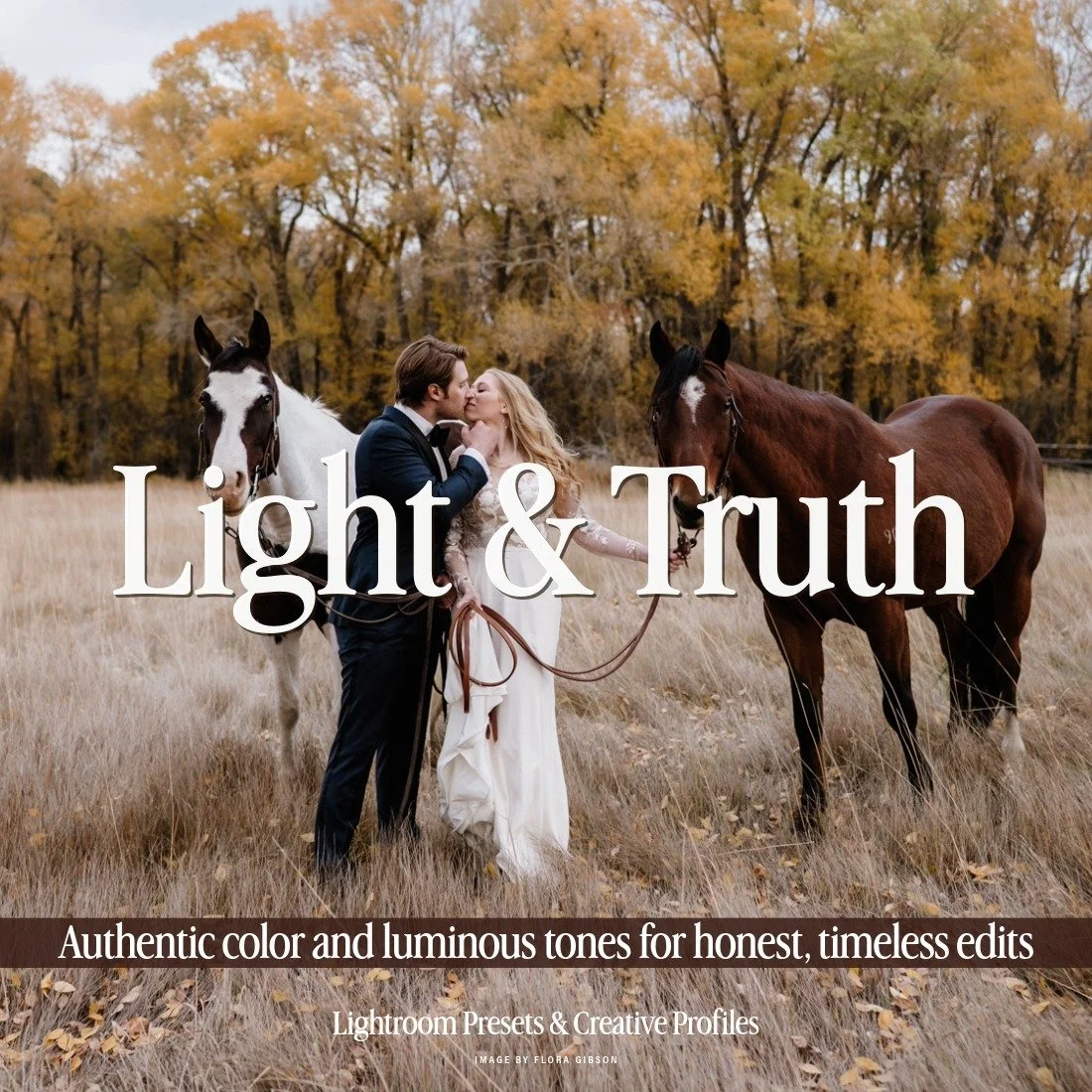
Light & Truth is the culmination of years of development and refinement. This Lightroom preset collection enhances photos with luminous whites, natural skin tones, and authentic color. Built for wedding, portrait, and lifestyle photographers, Light & Truth delivers consistency and polish while preserving authenticity. Perfect for modern storytelling, these presets bring cinematic elegance and professional-grade results to every frame.
(BOTH DESKTOP & MOBILE VERSIONS INCLUDED)
(( SEE THE PRESETS IN ACTION - BEFORE/AFTERS, REVIEWS, AND FULL DETAILS HERE! ))
$120 REGULAR
$96 MEMBER
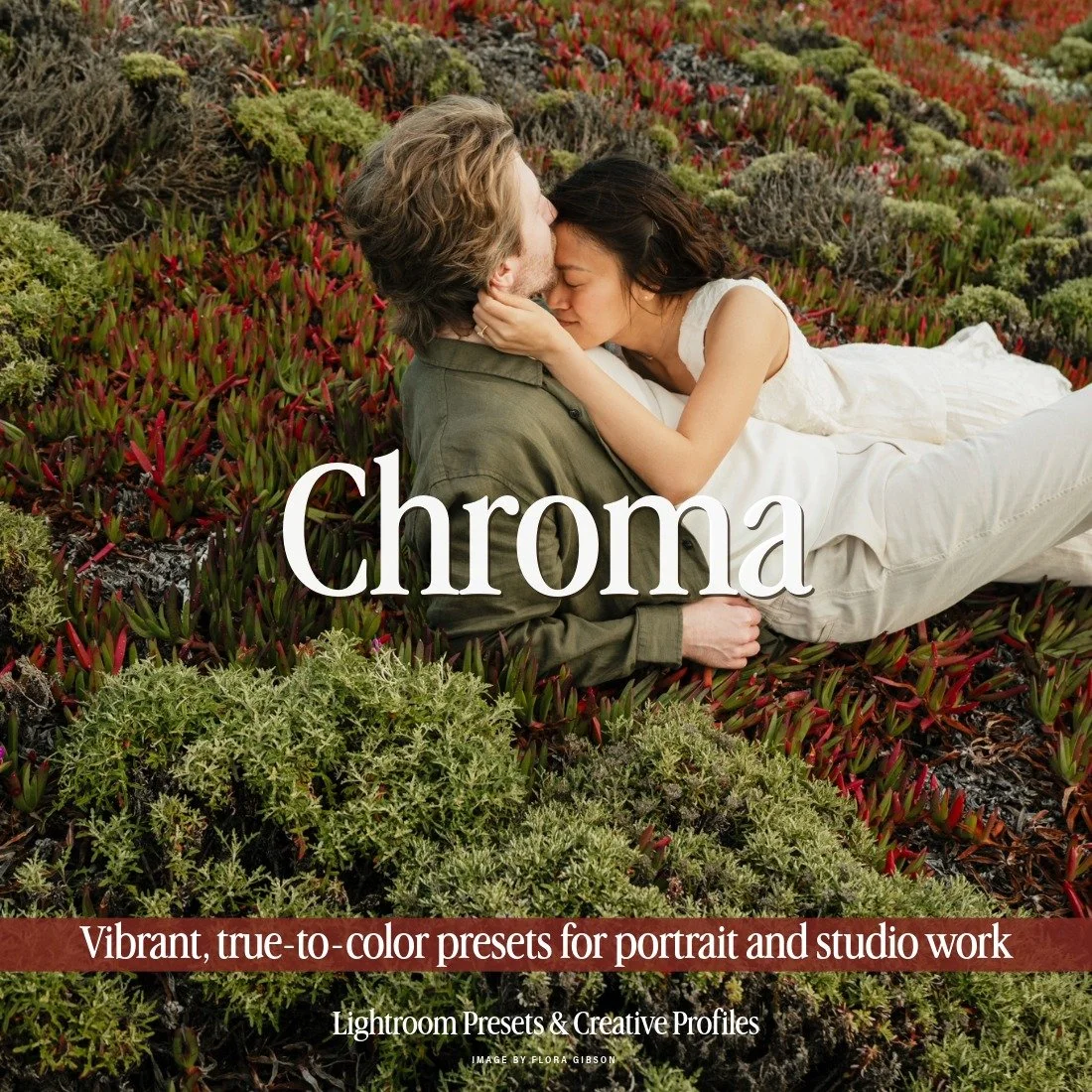
Chroma is where artistry meets precision. This Lightroom preset collection celebrates pure color with six presets that enhance hues while maintaining natural skin tones. Perfect for portraits, weddings, and editorial work, Chroma adds luminous vibrancy without oversaturation. The dedicated Chroma Toolset includes AI-powered hue shifts, giving photographers precise control over color groups without affecting skin or hair. From bold studio portraits to lifestyle sessions, Chroma delivers consistent, impactful edits with a modern, editorial finish.
(BOTH DESKTOP & MOBILE VERSIONS INCLUDED)
(( SEE THE PRESETS IN ACTION - BEFORE/AFTERS, REVIEWS, AND FULL DETAILS HERE! ))
$120 REGULAR
$96 MEMBER
Best Cinematic Color Grading Presets for Fuji
Image by Ieva Marija Photography
Edited with Light & Ember Presets
Gear: Fuji X-T3, XF 23mm
Light & Ember Presets
Light & Ember is an intimate and emotive preset collection made for photographers with a cinematic, narrative-driven style. It's ideal for those who want to bring subtle mood, atmosphere, and sophistication to their photographs, while still having the flexibility to deepen the drama or pull back toward something airier and more natural when the image calls for it. Fujifilm's color science lends itself beautifully to this kind of atmospheric editing, and Light & Ember draws out the warmth and depth that Fuji RAF files naturally carry, refining rather than overriding what the camera has already captured.
This collection includes 5 color presets and 1 black and white preset, along with a versatile toolset featuring Dynamic Mixes for one-click tonal effects.
Afterglow Presets
Afterglow Presets is a cinematic collection that holds onto bold, intentional color while playing beautifully with skin tones and varied lighting conditions. If you're looking for a Lightroom preset that brings a refined balance of contrast, color, and weight to your Fuji RAF files without losing that cinematic edge, this is the collection for you. Afterglow works in harmony with Fujifilm's distinctive color science, giving your photographs a polished, purposeful look while preserving everything that makes Fuji files so unique to work with.
Afterglow includes 6 color presets and a toolset that covers black and white conversions alongside a range of cinematic tools for light sculpting, subject emphasis, and tonal shifts.
Image by Cat Ekkelboom-White
Edited with Afterglow Presets
Gear: Fuji X-T3, XF 16-55mm
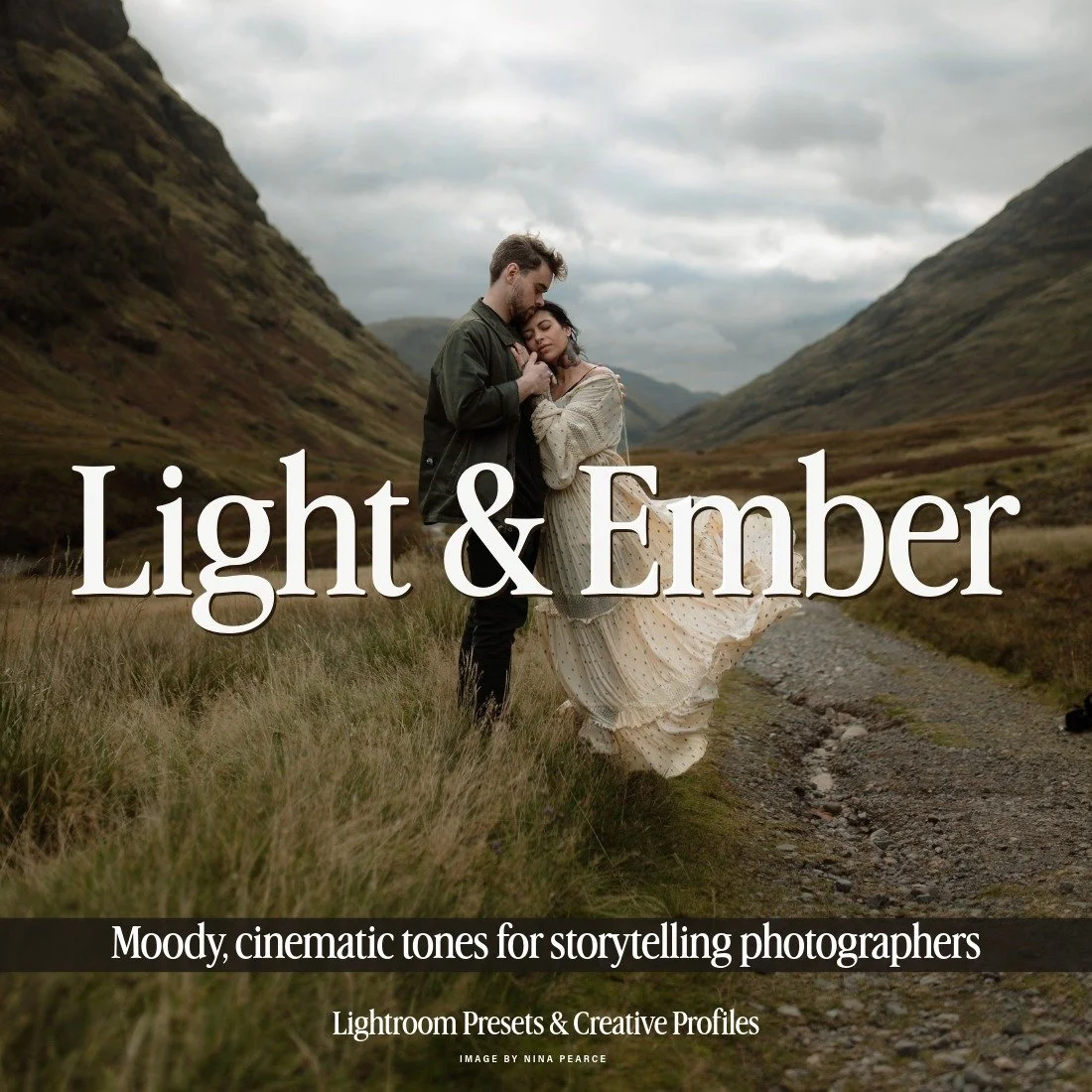
Light & Ember was developed with the emotive storyteller in mind. Designed for photographers who value narrative and mood, this preset pack balances rich tones, deep contrast, and cinematic color grading. Whether for weddings, lifestyle sessions, or intimate portraits, Light & Ember enhances atmosphere without sacrificing natural skin tones. Built for those who capture the quiet beauty in fleeting moments, it offers cinematic depth and timeless artistry.
(BOTH DESKTOP & MOBILE VERSIONS INCLUDED)
(( SEE THE PRESETS IN ACTION - BEFORE/AFTERS, REVIEWS, AND FULL DETAILS HERE! ))
$120 REGULAR
$96 MEMBER
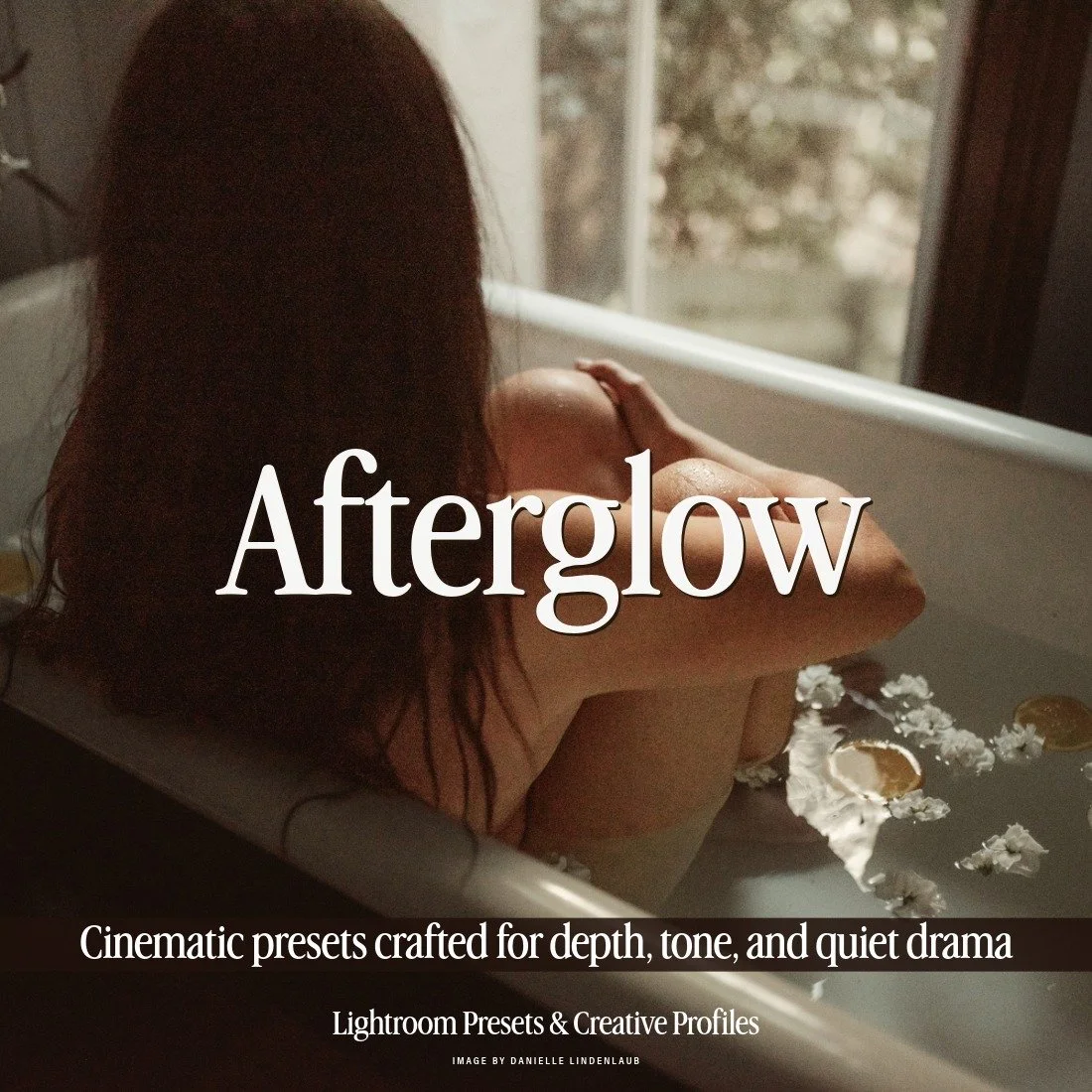
Afterglow is a clean cinematic Lightroom preset collection built for bold, intentional color that still plays beautifully with skin tones and varied lighting. The collection includes six distinct color grades, each offering a refined balance of contrast, color, and tonal depth. The look remains clean and modern, with just enough atmosphere to give images presence and weight. It carries a subtle cinematic edge that works just as well for portraits and weddings as it does for editorial and fine art work.
Use the included creative profile to extend the range of each preset. Set the profile low for a bold, modern finish, or increase it for a softer, more muted cinematic interpretation.
The dedicated Afterglow Toolset features a range of powerful tools to further enhance your images, including light sculpting, subject emphasis, black and white conversions, and tonal shifts
(BOTH DESKTOP & MOBILE VERSIONS INCLUDED)
(( SEE THE PRESETS IN ACTION - BEFORE/AFTERS, REVIEWS, AND FULL DETAILS HERE! ))
$120 REGULAR
$96 MEMBER
Atmospheric Toolset
This comprehensive collection of atmospheric tools for Adobe Lightroom features 32 tools organized into five distinct categories: Soften, Weather, Sky, Overlay, and Lighting.
The Atmospheric Toolset gives Fuji photographers everything they need to craft mood, depth, and drama within their images, working seamlessly with the tonal qualities and color richness that RAF files naturally produce. Whether you're adding a subtle layer of atmosphere or something more striking and intentional, this toolset is a valuable addition to any Fuji photographer's editing arsenal.
Image by Bobbi Brinkman Photography
Edited with Afterglow Presets + Sunset Enhance, Sun H, Background Glow, and Lacuna from Atmospheric Toolset
Gear: Fuji X-T2, XF 16-55mm
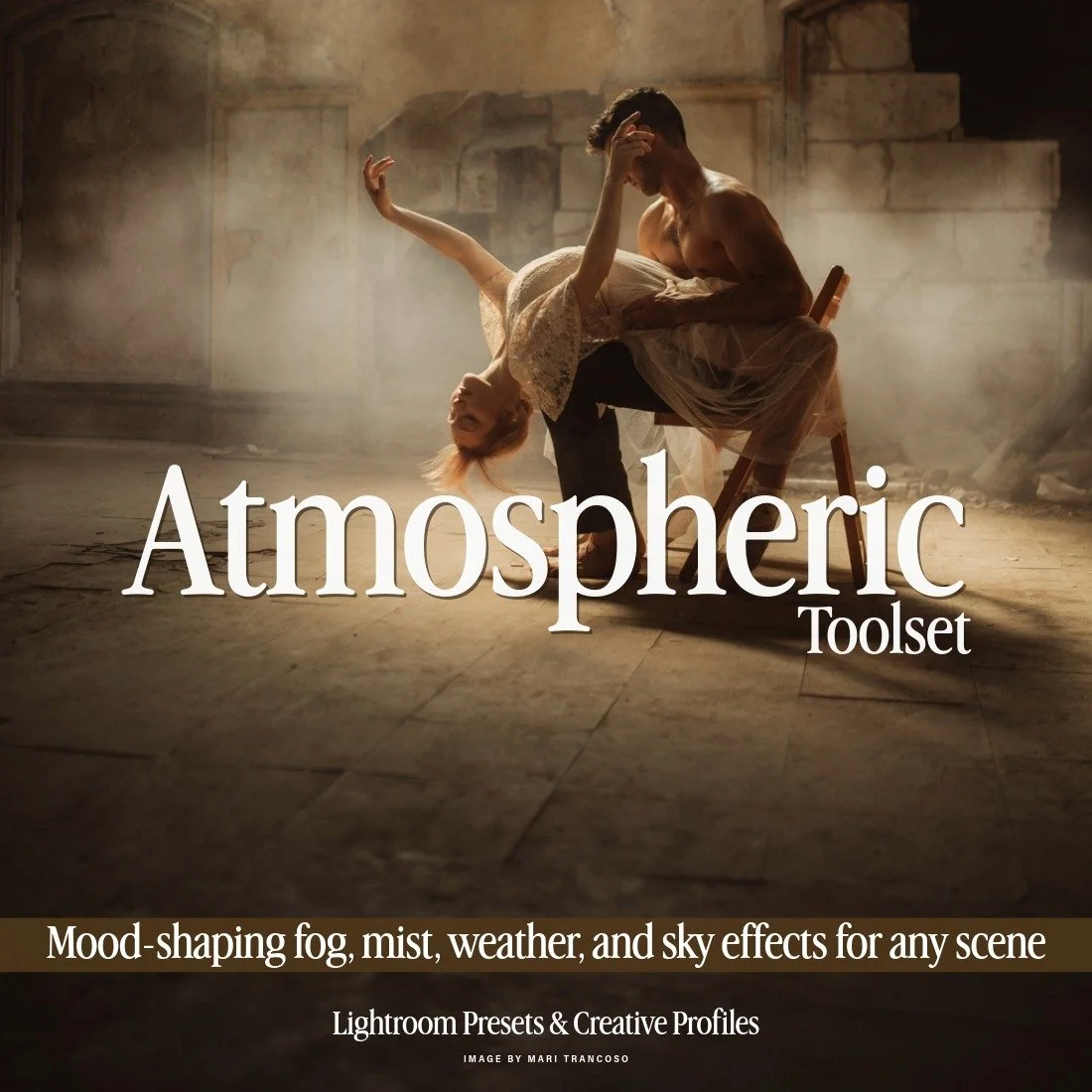
This set presents a comprehensive collection of atmospheric tools for Adobe Lightroom, thoughtfully curated from previous Quest releases and now united within a single, versatile toolkit. Featuring 32 Lightroom tools organized into five distinct categories — Soften, Weather, Sky, Overlay, and Lighting — this collection provides everything you need to craft mood, depth, and drama within your images. Alongside familiar favorites, the set introduces the brand-new Rainfall tool, expanding creative possibilities for shaping atmosphere and emotion across any scene.
(( SEE THE PRESETS IN ACTION - BEFORE/AFTERS, REVIEWS, AND FULL DETAILS HERE! ))
$120 REGULAR
$60 MEMBER
Best Editorial Photo Editing Presets for Fuji
Image by Wertán Botond
Edited with Veritas Presets + Portrait Toolset
Gear: Fuji GFX 50S, GF 45mm
Veritas Presets
Built on a minimalist foundation, Veritas Presets are a natural companion for photographers who want their work to feel restrained yet deeply impactful. Whether you're photographing an editorial-style wedding or an intimate couples session, Veritas enhances without overwhelming, giving you the foundation to create images that communicate with quiet confidence. At its core, Veritas is rooted in authenticity, honoring true color while bringing a cinematic, timeless elegance that pairs beautifully with Fujifilm's natural rendering in RAF files.
Veritas includes 5 color presets and 1 black and white preset, along with a dedicated Cine toolset for fine-tuning your edit.
Portrait Toolset
No editorial session or wedding gallery would be complete without thoughtful skin retouching. The Portrait Toolset for Lightroom makes achieving professionally retouched portraiture more straightforward than ever, and it works particularly well with the fine detail and skin tone accuracy that Fujifilm RAF files are known for. This expansive collection of 30 presets is dedicated entirely to refining individual elements of your subject's face and body, with each tool serving a specific purpose. From smoothing and airbrushing skin to enhancing color and detail in the eyes and lips, everything you need is right there inside Lightroom.
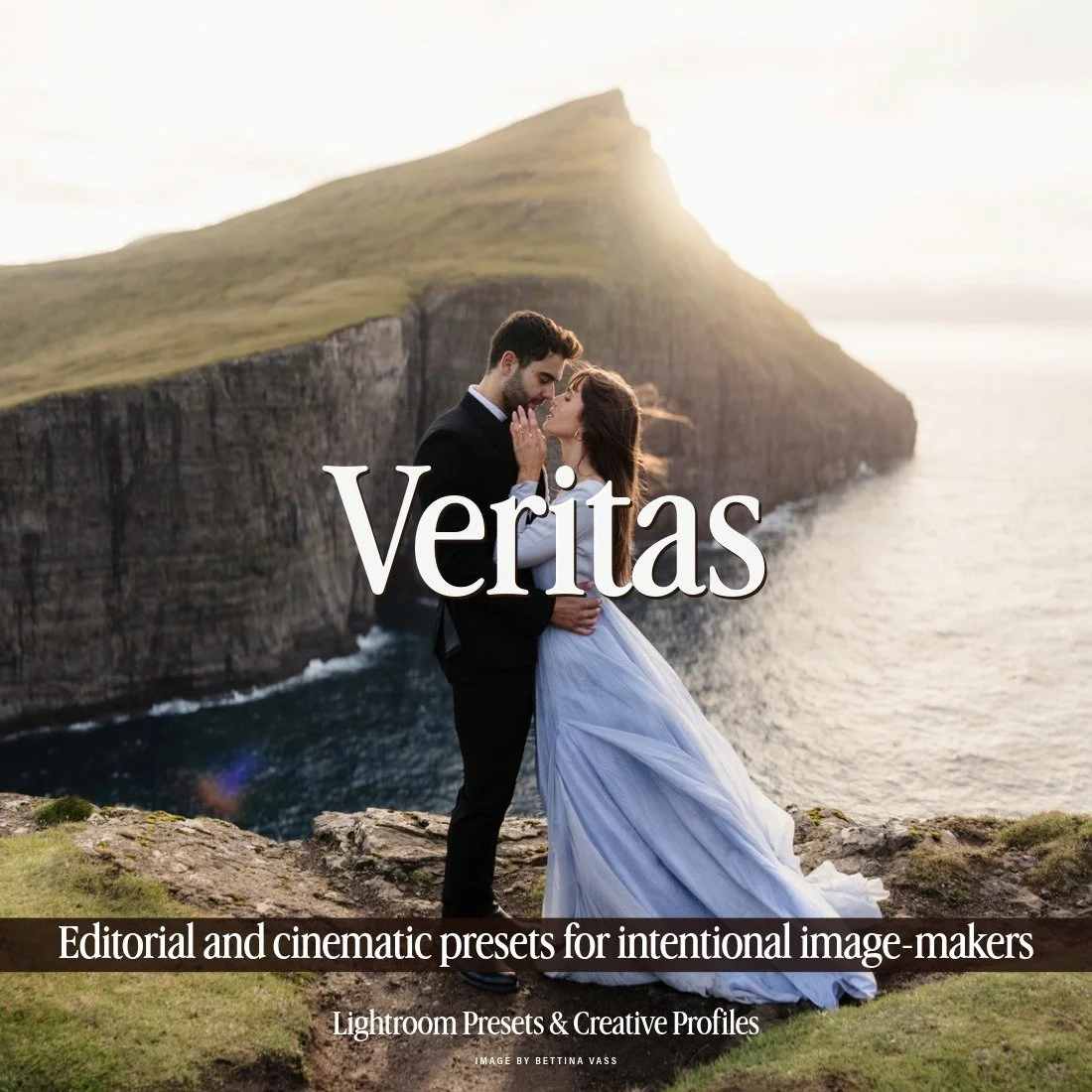
Veritas is a Lightroom preset collection designed for authentic storytelling. With five cinematic color presets and a striking black-and-white option, Veritas balances grandeur with minimalist precision. Perfect for portraits, landscapes, and weddings, it delivers film-like richness while preserving tonal integrity. Its subtle softness enhances emotion without overwhelming, giving photographers timeless edits that feel both elegant and impactful. Veritas empowers creatives to craft visuals that resonate with honesty and restraint.
(BOTH DESKTOP & MOBILE VERSIONS INCLUDED)
(( SEE THE PRESETS IN ACTION - BEFORE/AFTERS, REVIEWS, AND FULL DETAILS HERE! ))
$120 REGULAR
$96 MEMBER

This toolset brings you an expansive collection of 30 AI presets all dedicated to manipulating individual elements of your subjects body & face. Each of these tools gives you a specific utility, from airbrushing skin to adding color and detail to your models eyes and lips, all using the power of AI to streamline the process. After applying a preset, be sure to use the preset amount slider for further modification to give you perfectly tailored results on every image. Achieving professionally retouched portraiture has never been easier.
(( SEE THE PRESETS IN ACTION - BEFORE/AFTERS, REVIEWS, AND FULL DETAILS HERE! ))
$80 REGULAR
$48 MEMBER
Best Warm Presets for Fuji Photographers
Image by Berlin Boudoir
Edited with Light & Ochre
Gear: Fuji X-T2, XF 23mm
Image by James Cunningham
Edited with Light & Ochre + Light Effects Toolset
Gear: Fuji X-H1, XF 56mm
Light & Ochre Presets
Light & Ochre is the quintessential warm, earthy preset collection, with tones and hues inspired by the natural pigments of the painter's palette. Each preset delivers a base edit with colors ranging from golden sand dunes and red desert rocks to distant stormy purple mountains and verdant forests and fields. Fujifilm's distinctive color science brings a natural richness to RAF files that feels right at home with Light & Ochre's grounded, organic palette, making the two a genuinely intuitive pairing for photographers drawn to emotive, colorful edits that feel warm, cozy, and deeply rooted in the natural world.
Light & Ochre includes 5 color presets and 1 black and white preset, along with a dedicated toolset featuring 6 color veneers: Australian Vivianite, Burnt Sienna, Iron Oxide Pigment, Italian Green Earth, French Red Ochre, and Italian Yellow Ochre.
Light Effects Toolset
Every Fuji photographer deserves a Lightroom toolset that brings a little extra magic to their images. The Light Effects Toolset delivers exactly that, with more than 20 lighting effects built around the power of Lightroom masking. The collection covers a wide range of effects including flares, light leaks, prisms, and more, all designed to complement the luminous quality and tonal depth that Fuji RAF files naturally produce. Apply any effect with a single click, then reposition and fine-tune the intensity directly within the masking panel.
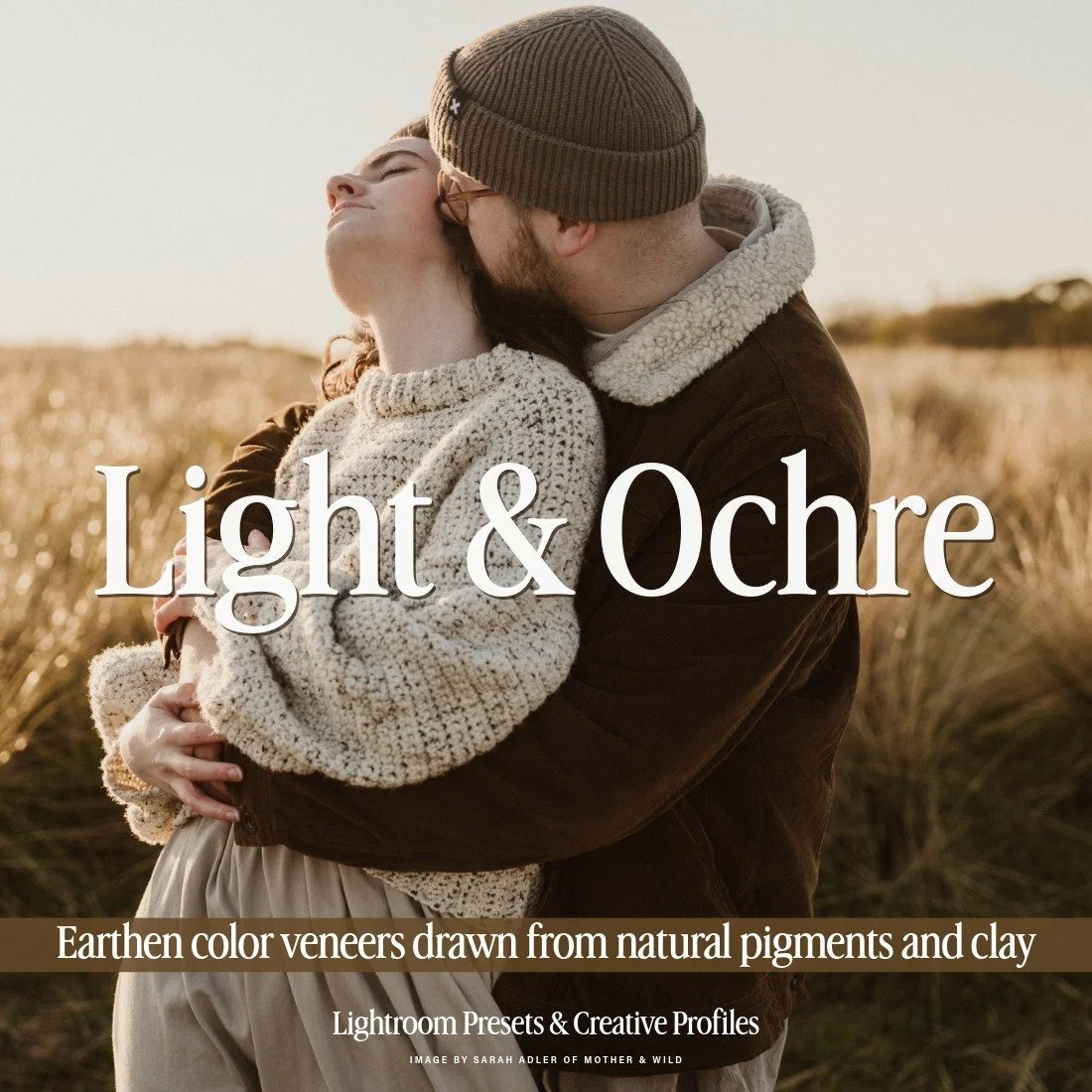
Light & Ochre is a quintessential earthy preset collection inspired by the natural pigments of a painter’s palette. From golden sand dunes and red desert rock to stormy mountains and lush forests, each preset delivers organic tonality and depth. Perfect for outdoor weddings, family sessions, and editorial work, Light & Ochre provides one-click earthy color grading while maintaining natural skin tones. Its film-inspired mood makes it ideal for photographers who seek both artistry and authenticity. (BOTH DESKTOP & MOBILE VERSIONS INCLUDED)
(( SEE THE PRESETS IN ACTION - BEFORE/AFTERS, REVIEWS, AND FULL DETAILS HERE! ))
$120 REGULAR
$96 MEMBER
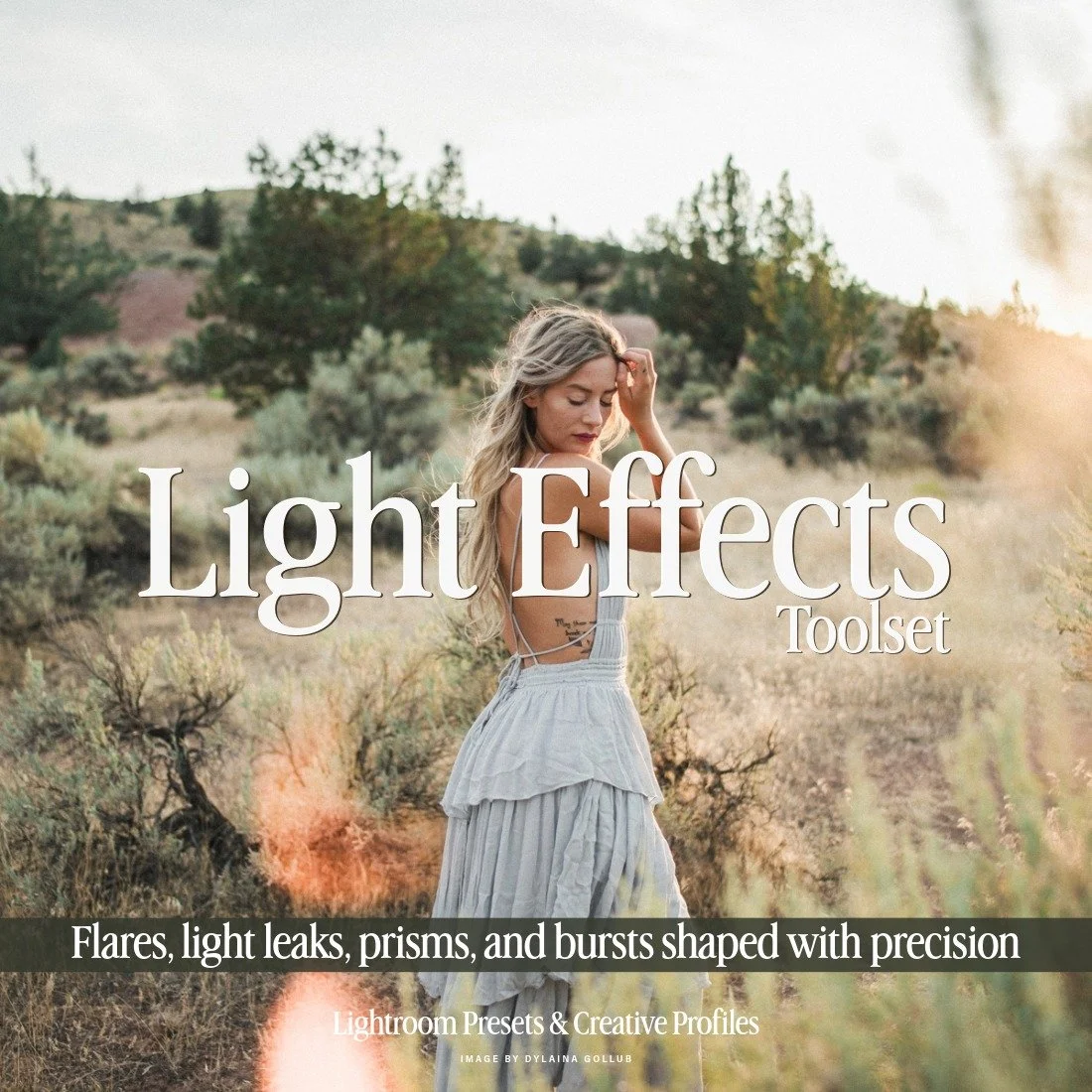
Create stunning visuals with the Light Effects Toolset, featuring a curated selection of more than 20 of our best lighting effects from various Archipelago and Quest preset collections. Utilizing the power of Lightroom masking, these tools replicate a wide range of lighting effects, including flares, light leaks, prisms, and more. Apply with one click, then reposition and adjust the intensity within the masking panel. (LEARN MORE HERE!)
$80 REGULAR
$48 MEMBER
Best Film Emulation Presets for Fuji
Image by Promenade Studios Photography
Edited with Light & Legacy Presets
Gear: Fuji X-Pro 2, XF 23mm 1.4
Image by Gary Crowson
Edited with Light & Legacy Presets + Borders Toolset
Gear: Fuji X-E3, XF 56mm 1.2
Light & Legacy Presets
If you're drawn to the look of analog film or photograph hybrid film and digital, Light & Legacy is a clean film emulation preset collection that belongs in your Lightroom toolkit. This collection is inspired by photographer-preferred film stocks and film scanning characteristics, bringing vibrant pastel hues, clean bright whites, and accurate skin tones to your photographs. It's a particularly natural fit for Fuji photographers, given Fujifilm's deep roots in analog film and the way RAF files respond so well to film-inspired editing.
Light & Legacy includes 5 color presets and 1 black and white preset, along with dedicated tools to add pastel pink or yellow tones, customize blacks, greens, and saturation, dial in your preferred grain to match your film ISO, and more.
Borders Toolset
No filmic edit is truly complete without a border to finish it off. The Borders Toolset brings 23 border presets across three distinct styles: clean, filmic, and grungy, giving Fuji photographers a versatile range of options to suit any aesthetic. With a single click in Lightroom, you can add a unique artistic touch that reflects your personal style and complements the film-inspired character that Fuji images are known for. More than just a finishing tool, the Borders Toolset is an invitation to explore new creative possibilities and push your work in a direction that feels authentically yours.
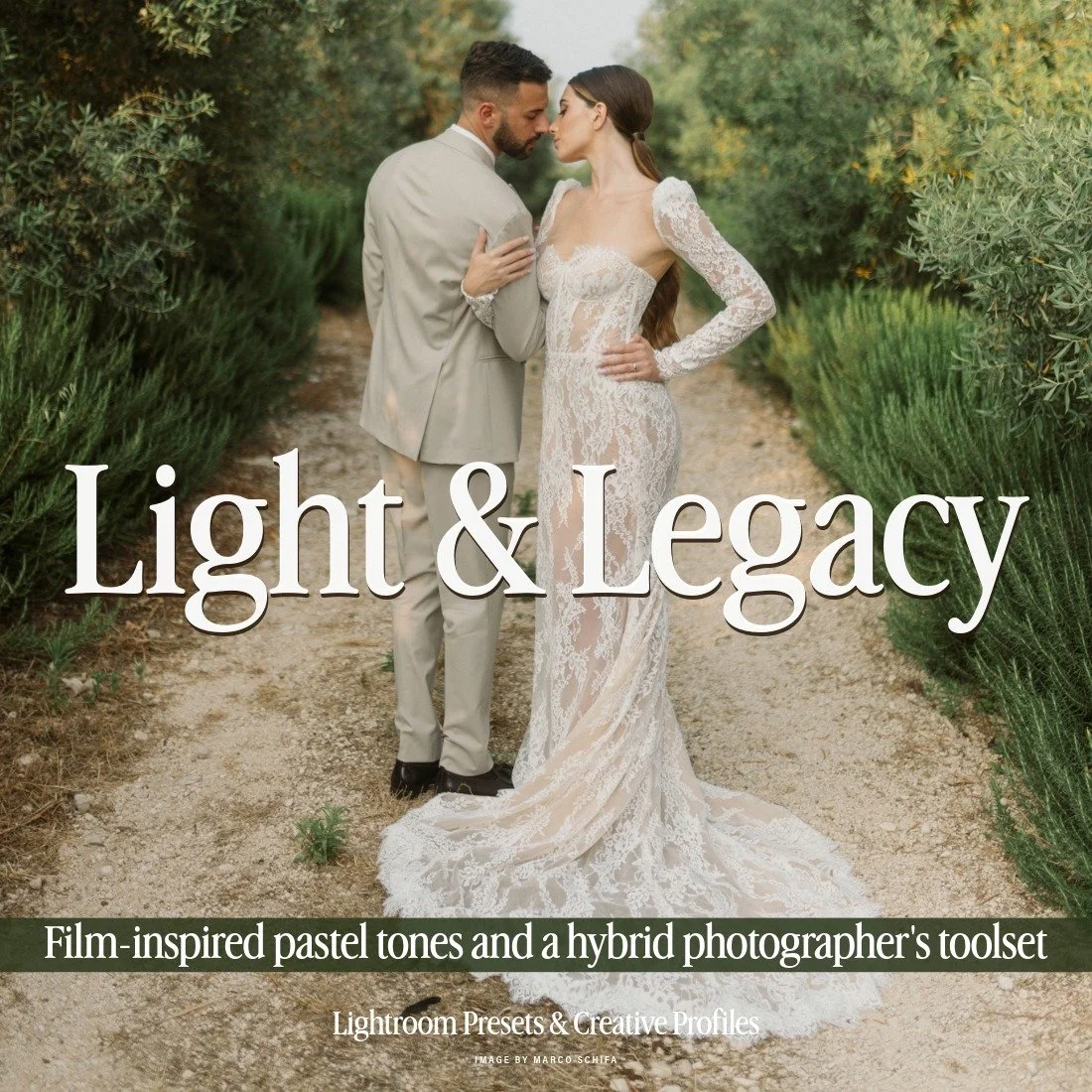
Light & Legacy is a film emulation preset collection for hybrid and digital photographers. Inspired by decades of trusted film stocks and scanning processes, it brings vibrant pastel hues, clean whites, and natural skin tones into the digital era. Designed for weddings, portraits, and editorial photography, Light & Legacy offers timeless colors and consistency. Perfect for photographers who love the look of film but need the efficiency of digital editing. (BOTH DESKTOP & MOBILE VERSIONS INCLUDED)
(( SEE THE PRESETS IN ACTION - BEFORE/AFTERS, REVIEWS, AND FULL DETAILS HERE! ))
$120 REGULAR
$96 MEMBER

This set provides a thoughtfully curated collection of border presets, carefully selected from previous releases across various Archipelago and Quest sets. Featuring 23 borders encompassing three distinct styles—clean, filmic, and grungy—this toolset delivers a versatile range of options to suit any aesthetic.
(( SEE THE PRESETS IN ACTION - BEFORE/AFTERS, REVIEWS, AND FULL DETAILS HERE! ))
$80 REGULAR
$40 MEMBER
Marigold Presets
Calling all 90s babies: Marigold Presets is the one to make your Fuji photographs as nostalgic as your childhood photos. If you're a warm, golden-toned film or hybrid photographer chasing that Kodak magic, Marigold is the Lightroom preset pack your workflow has been waiting for. Inspired by the rich, sun-drenched character of color negative film, Marigold finds a natural home with Fujifilm photographers, whose RAF files and film simulation heritage make them uniquely suited to this kind of warm, analog-inspired editing. Bold warmth, glowing skin tones, and vibrant hues with a modern, natural finish. Perfect for portraits, weddings, and lifestyle photography where golden light steals the show.
Marigold includes 6 dynamic color variations and a dedicated toolset to dial in custom film stock emulations, add grain that matches your ASA rating, and fine-tune warmth, tones, and saturation to make every photograph feel like it was pulled straight from a freshly scanned roll.
Image by Cat Ekkelboom-White
Edited with Marigold Presets
Gear: Fuji X-T3, XF 50-140mm
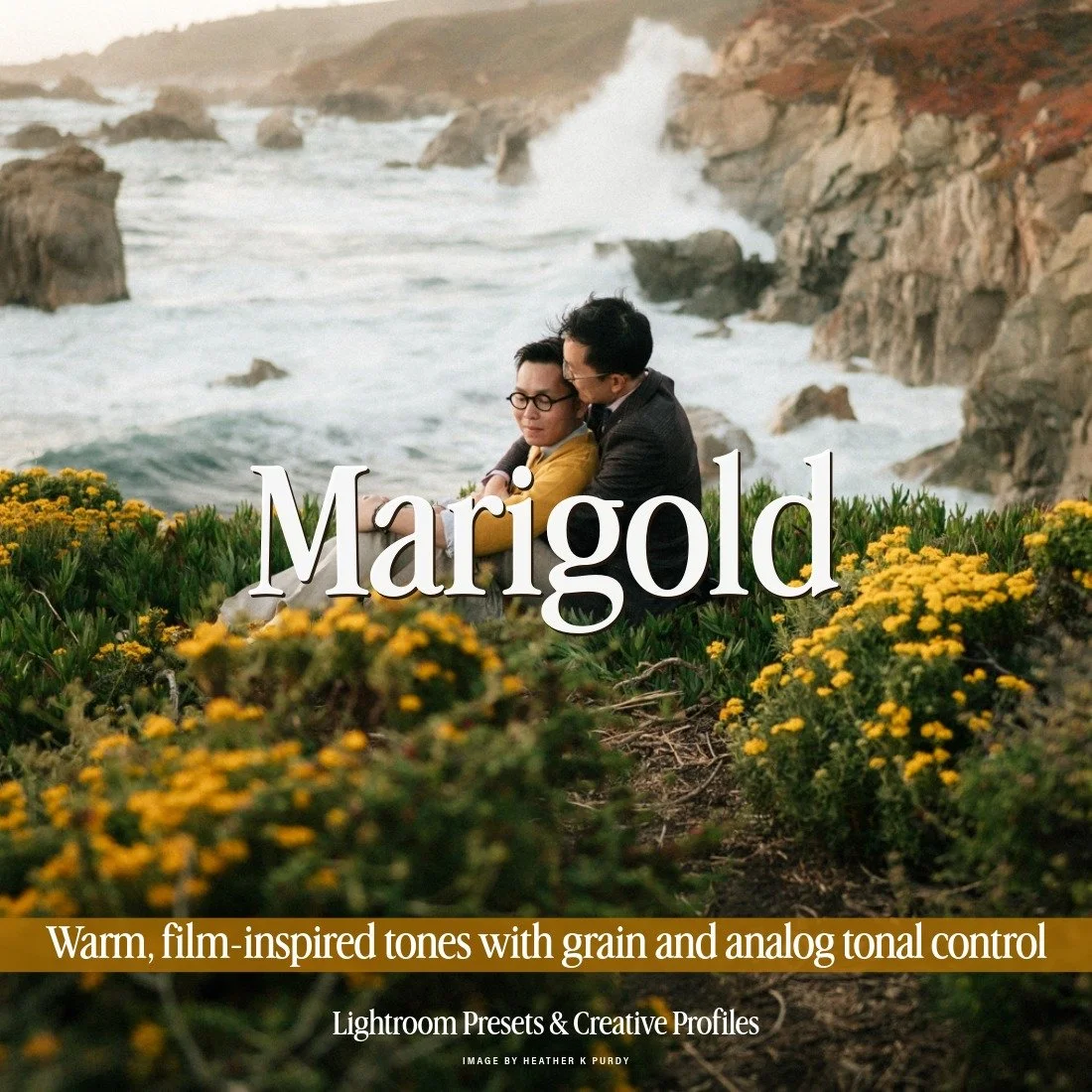
Marigold is a modern homage to classic colour negative film — bold warmth, vibrant colour, and nostalgic analog tones reimagined for today's photographers. These presets enhance skin tones, amplify golden light, and add rich character to your images without feeling overprocessed. Designed for those who love warm, film-inspired colour with a contemporary edge, Marigold brings a timeless analog aesthetic to every frame.
The collection includes 6 dynamic variations, each crafted to respond uniquely to different styles and lighting conditions — from sun-drenched portraits to overcast street scenes. Whether you're after a soft glow or punchier contrast, each preset offers a distinct expression of classic film warmth. A dedicated toolset is included, featuring 4 custom film stocks and additional controls to shape every element of the emulation — tones, grain, and light response fully in your hands. In a nod to the analog era, ASA ratings are used instead of ISO, echoing vintage film terminology and reinforcing the set's nostalgic roots. (BOTH DESKTOP & MOBILE VERSIONS INCLUDED)
(( SEE THE PRESETS IN ACTION - BEFORE/AFTERS, REVIEWS, AND FULL DETAILS HERE! ))
$120 REGULAR
$96 MEMBER
Image by Ieva Marija Photography
Edited with Marigold Presets
Gear: Fuji X-E2S, XF 23mm
Every Fuji photographer works differently. Some pick up their camera on weekends for the pure joy of it, others are deep in back-to-back client work with deadlines that don't let up. But whatever your pace, one thing holds true: the right Lightroom presets change everything. The collections above are built to complement what Fujifilm already does so well, working with the natural richness, skin tone accuracy, and tonal depth baked into every RAF file rather than fighting against it. That means less time pushing sliders and more time with a camera in your hands. And because each collection is designed around a cohesive visual identity, your work starts to feel consistent and recognizable across every photograph you produce, whether your style leans cinematic, authentic, filmic, or somewhere entirely your own.
FAQ - Lightroom Presets for Fuji Photographers in 2026
-
Yes. Lightroom fully supports Fujifilm's RAF format, and most quality preset collections are designed to work with it. Because RAF files carry embedded film simulation data, they can look different from other RAW formats when first opened — so presets built with an awareness of Fuji's color science will give you better, more predictable results.
-
Fujifilm's Film Simulations apply to JPEGs in-camera but aren't baked into the RAW data itself. When Lightroom opens a RAF file, it renders a neutral interpretation rather than replicating the Film Simulation you shot with. Presets pick up from that neutral starting point and apply your chosen look from there.
-
Yes. As long as your cameras produce RAF files, the presets will behave consistently across bodies. Minor variations in sensor generation or base ISO may require small per-image tweaks, but your overall look will carry through.
-
Base presets establish your overall look — exposure, color grading, tone curve, and contrast. Toolset presets are single-purpose modifiers you layer on top: skin retouching, grain, borders, light effects, atmospheric overlays, and so on. Using both gives you a complete, flexible editing workflow.
-
The Lightroom presets here are designed for still photography. For video, we sell LUTs (.cube files) which apply to Fujifilm footage in Premiere Pro, DaVinci Resolve, or Final Cut Pro. These LUTs are matched with some of preset collections as well, giving you consistent looks acrid photos & videos.
-
Film emulation collections like Light & Legacy and Marigold are the natural pairing — they're inspired by analog film stocks and complement the muted, tonal character of simulations like Classic Chrome and Nostalgic Neg. That said, any collection built with Fuji's color science in mind will adapt well.
-
No. Because you're editing RAW files, the Film Simulation embedded in the file doesn't directly affect the preset result. Most photographers shoot with a neutral or low-contrast simulation (like Provia or Eterna) when planning to edit RAW files in Lightroom, giving themselves maximum flexibility in post.
-
Yes. Collections built on solid color science principles work across camera systems. You may need to make small white balance or exposure adjustments when switching between RAW files from different manufacturers, but the visual identity of the preset remains consistent.
WHAT TO READ NEXT? → Beyond Lightroom Presets: Edit Photos with Archipelago Toolsets