
 Image 1 of 1
Some of your favorite retired sets, back as $20 Creative Looks →
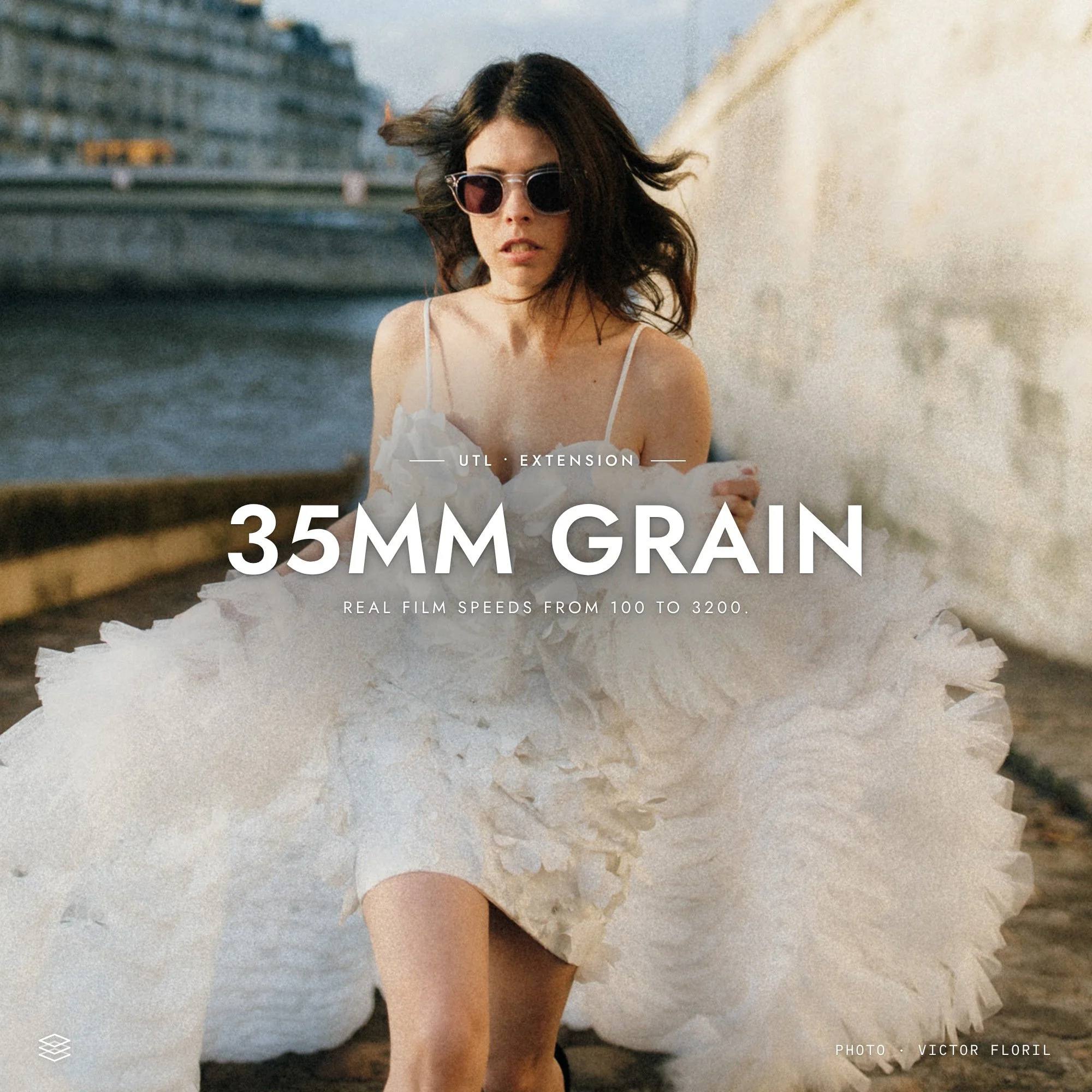
Grain is a big part of what makes film feel like film, and this set brings that texture to your digital photos in a way that looks real.
True film grain follows the tones of a photo. It’s strongest in the midtones, softer in the shadows and nearly gone in the highlights. Lightroom’s Grain slider lays one flat texture over everything, which is why it often looks like digital noise.
This set uses separate shadow, midtone and highlight masks that blend smoothly into each other, each with its own grain amount, so skies and skin stay clean while the image keeps real film texture. Grain size and roughness are tuned to how 35mm film looks when enlarged, growing from a fine 100 ASA to a gritty 3200. From 800 ASA up, the midtones also soften slightly, just like fast film losing a little fine detail.
6 presets, from 100 to 3200 ASA
Separate grain for shadows, midtones and highlights
Grain size, roughness and softness matched to each film speed
Works on top of any edit or preset
Adjust each tonal range in the Masks panel
Grain is a big part of what makes film feel like film, and this set brings that texture to your digital photos in a way that looks real.
True film grain follows the tones of a photo. It’s strongest in the midtones, softer in the shadows and nearly gone in the highlights. Lightroom’s Grain slider lays one flat texture over everything, which is why it often looks like digital noise.
This set uses separate shadow, midtone and highlight masks that blend smoothly into each other, each with its own grain amount, so skies and skin stay clean while the image keeps real film texture. Grain size and roughness are tuned to how 35mm film looks when enlarged, growing from a fine 100 ASA to a gritty 3200. From 800 ASA up, the midtones also soften slightly, just like fast film losing a little fine detail.
6 presets, from 100 to 3200 ASA
Separate grain for shadows, midtones and highlights
Grain size, roughness and softness matched to each film speed
Works on top of any edit or preset
Adjust each tonal range in the Masks panel
Join the Archipelago Society for $15/year and your first purchase more than covers it. Get every collection at a member discount!
Join the newsletter and we'll email you a code. Swipe the photo to see what one preset does.
By subscribing you agree to receive marketing emails from Archipelago Presets. Unsubscribe any time.